
Not Sure Which iPad You Have?
Find your iPad model in under a minute. Whether you have an iPad, iPad Air, iPad Mini or iPad Pro, we’ll help you identify it so you can choose the correct repair.
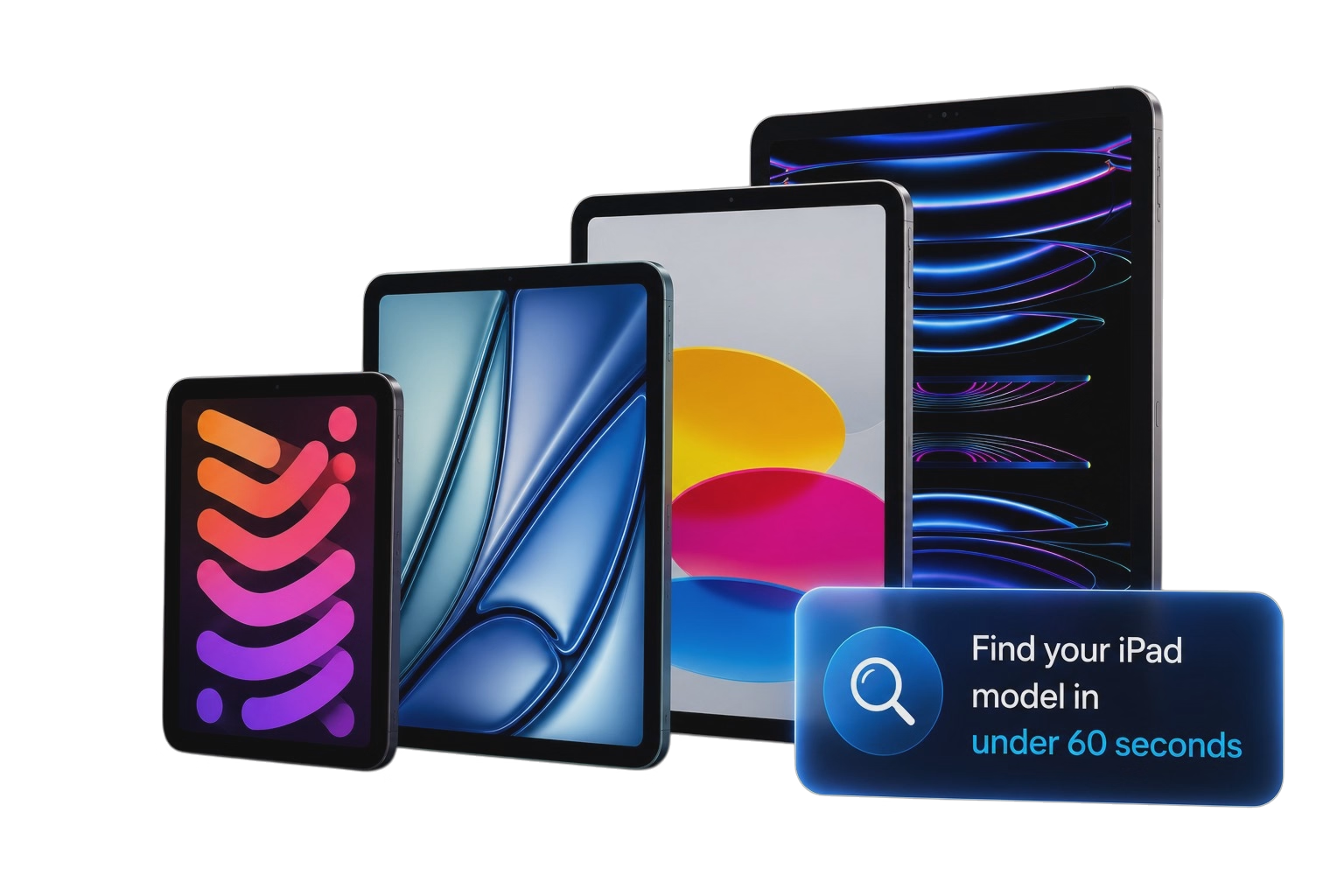
Find Your iPad Model Number
1. Turn Your iPad Over
Flip your iPad over and look near the bottom of the back casing. You’ll find a small engraved model number beginning with A, for example A2436.
2. Enter the Model Number
Type the model number into the search box below. We’ll instantly identify which iPad model you have.
3. Can’t Read the Back?
Alternatively, go to Settings → General → About. Tap Model Number if necessary until the model changes to the Axxxx number, then search below.
Identify Your iPad Family
Not sure whether you have an iPad, iPad Air, iPad Mini or iPad Pro? Here’s a quick guide to help you identify your device.
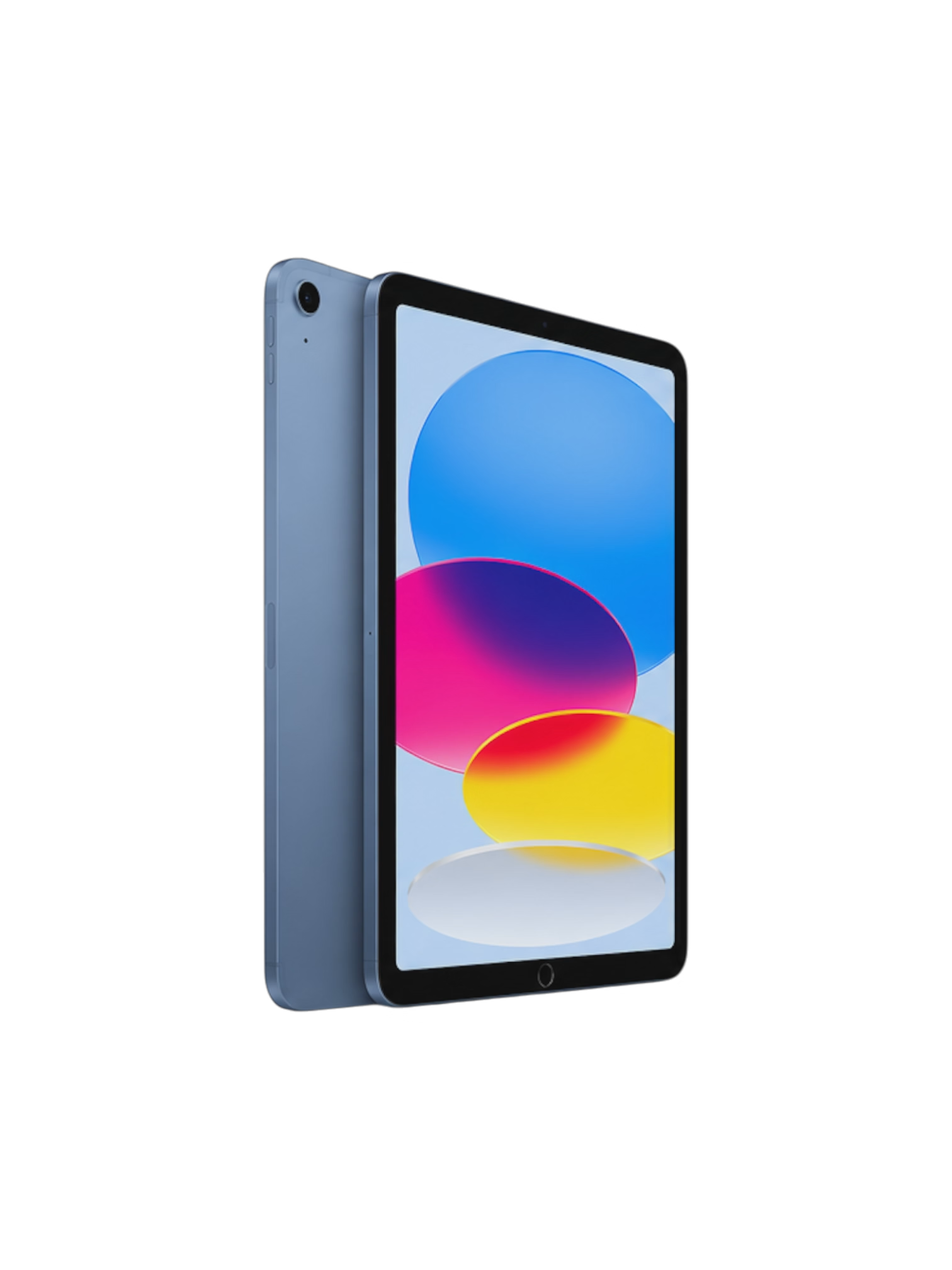
iPad
The standard iPad is perfect for everyday use and is the most common model.
- ✓ Home Button (older models)
- ✓ 10–11 inch display
- ✓ Everyday use
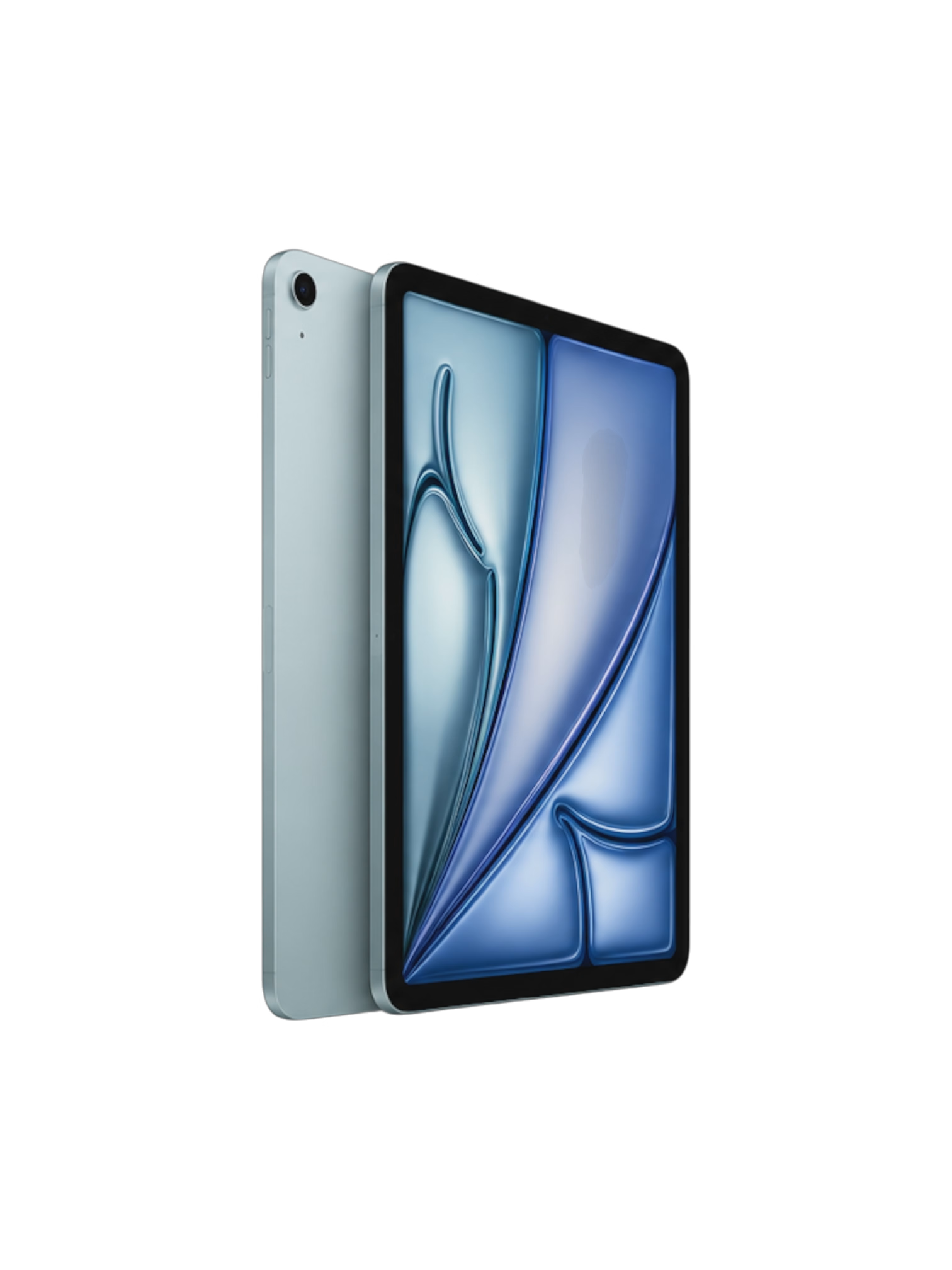
iPad Air
Thin, lightweight and powerful with a modern edge-to-edge display.
- ✓ Thin aluminium design
- ✓ Touch ID in power button
- ✓ USB-C charging
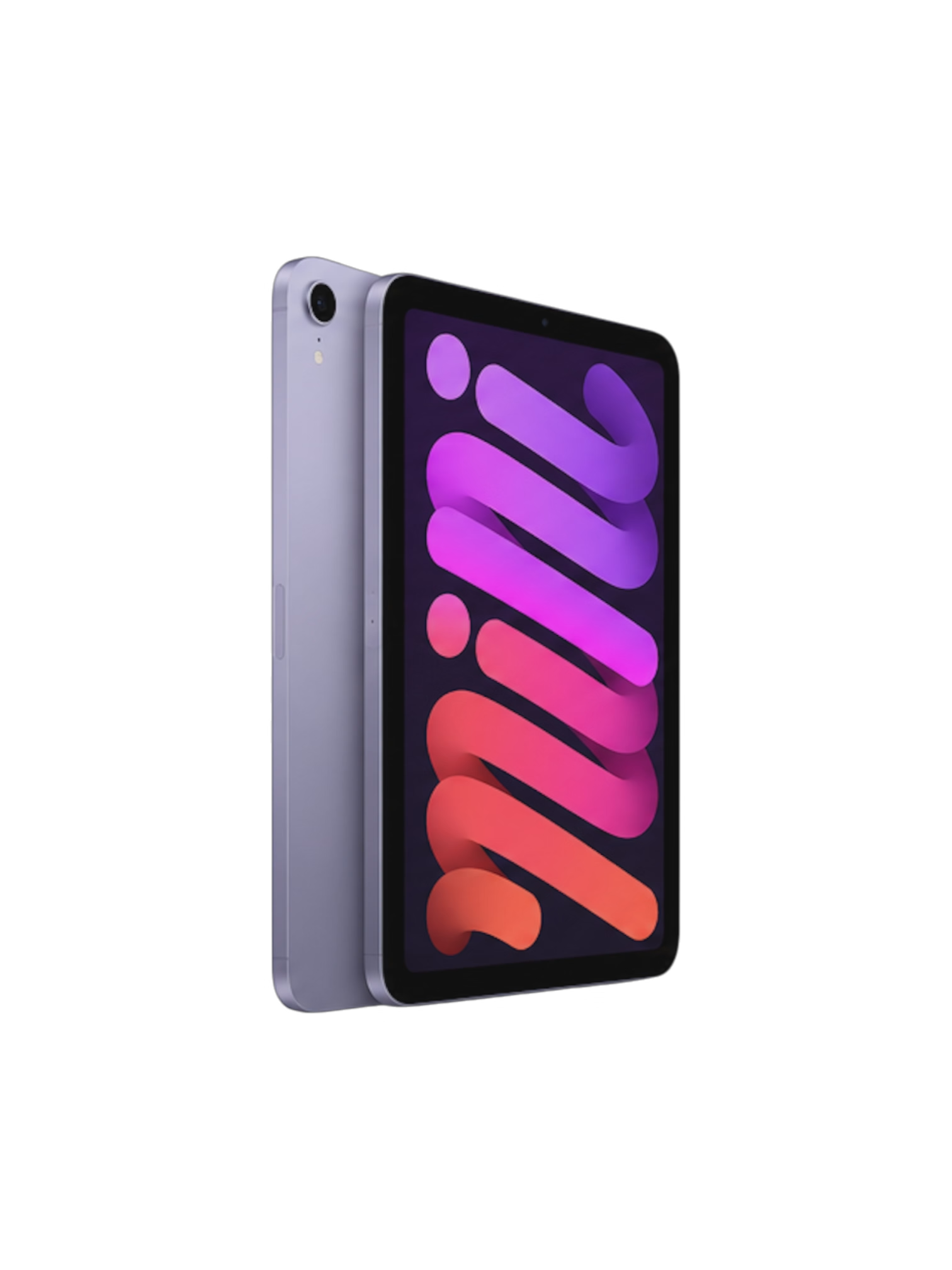
iPad Mini
Apple’s most compact tablet with an 8-inch display that’s easy to carry.
- ✓ Smallest iPad
- ✓ One-handed use
- ✓ Ideal for travel
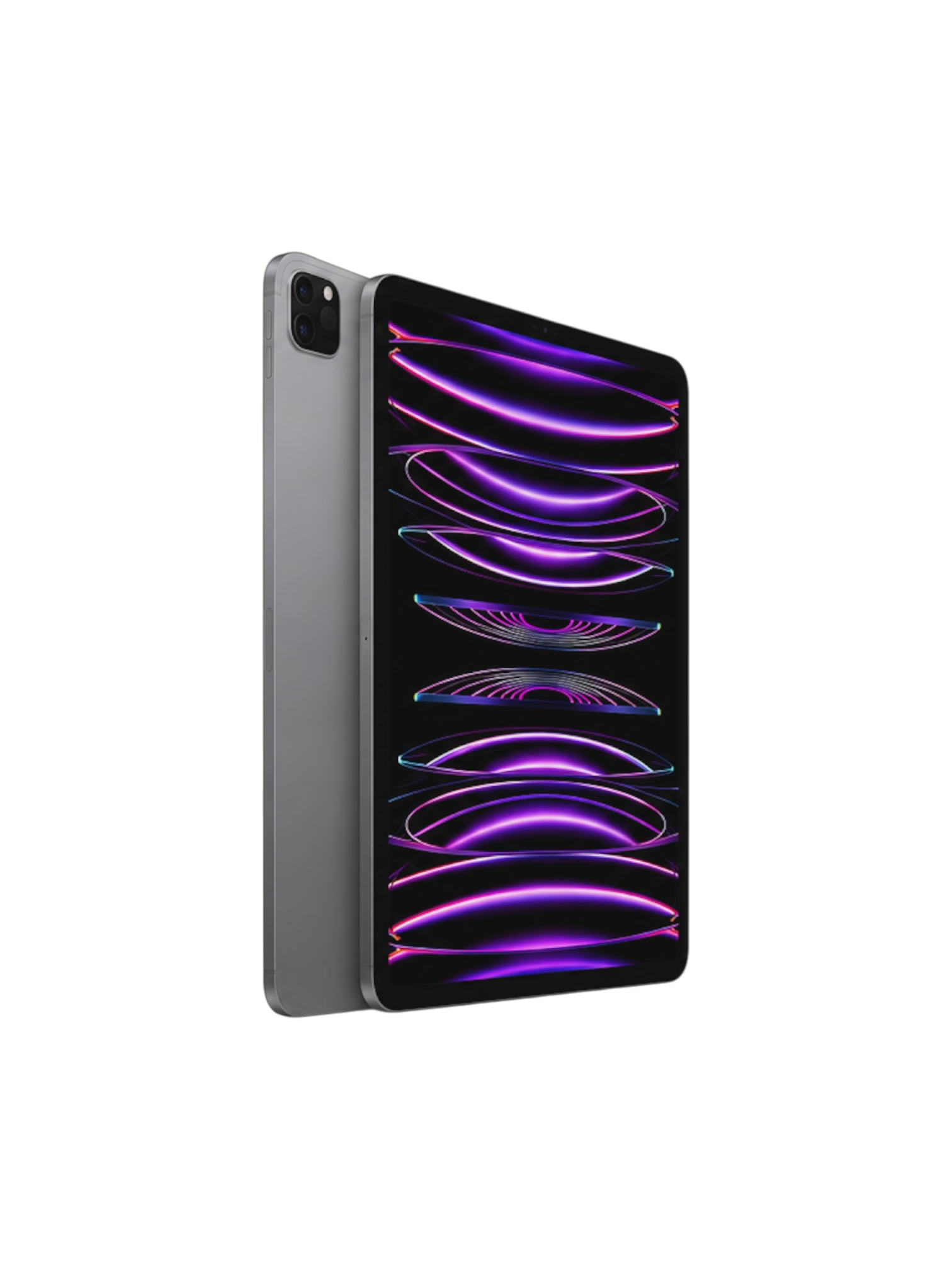
iPad Pro
Apple’s flagship iPad with Face ID, ProMotion display and the highest performance.
- ✓ Face ID
- ✓ 11″ or 13″
- ✓ Professional features
We’ll Help You Identify Your iPad
If you’re still unsure which iPad you have, don’t worry. Our team can help identify your device and point you to the correct repair service.