
IDENTIFY YOUR IPHONE
Not Sure Which iPhone You Have?
We’ll help you identify your iPhone in less than a minute. Use your model number, check your settings, or follow our simple guide to find the correct repair.
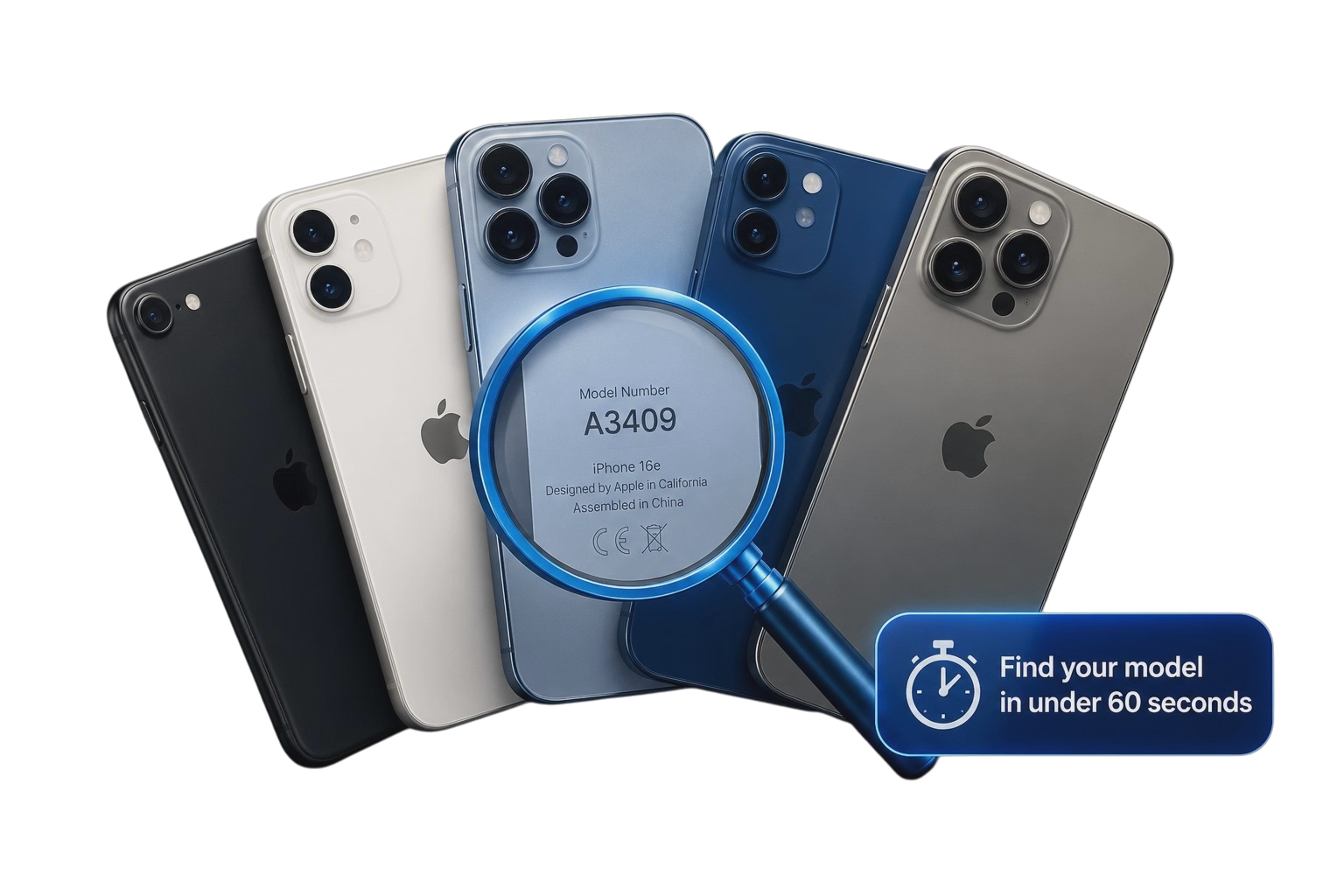
✓ All iPhone Models
✓ Takes Less Than 1 Minute
✓ Local Carmarthen Shop
✓ Friendly Expert Advice
STEP BY STEP
Find Your iPhone Model Number
1. Open Settings
Go to Settings → General → About.
2. Find Model Number
Look for Model Number. Tap it once if it starts with M, N or F to reveal the A number.
3. Search Below
Enter the A number below, for example A3409, and we’ll show the matching iPhone.
No matching model found. Please contact us and we’ll help identify your iPhone.
A3287 — iPhone 16
A3409 — iPhone 16e
A3293 — iPhone 16 Pro
A3290 — iPhone 16 Plus
A3296 — iPhone 16 Pro Max
A3092 — iPhone 15
A3094 — iPhone 15 Plus
A3102 — iPhone 15 Pro
A3106 — iPhone 15 Pro Max
A2882 — iPhone 14
A2886 — iPhone 14 Plus
A2890 — iPhone 14 Pro
A2894 — iPhone 14 Pro Max
A2628 — iPhone 13 Mini
A2633 — iPhone 13
A2638 — iPhone 13 Pro
A2643 — iPhone 13 Pro Max
A2399 — iPhone 12 Mini
A2403 — iPhone 12
A2407 — iPhone 12 Pro
A2411 — iPhone 12 Pro Max
A2221 — iPhone 11
A2215 — iPhone 11 Pro
A2218 — iPhone 11 Pro Max
A2105 — iPhone XR
A2783 — iPhone SE 2022
A2275 — iPhone SE 2020
STILL NOT SURE?
We Can Help Identify Your iPhone
If you’re unsure which model you have, contact us and we’ll help you find the correct iPhone repair.