
Not Sure Which Mac You Have?
We’ll help you identify your MacBook Air, MacBook Pro or iMac so you can choose the correct repair or get the right advice.
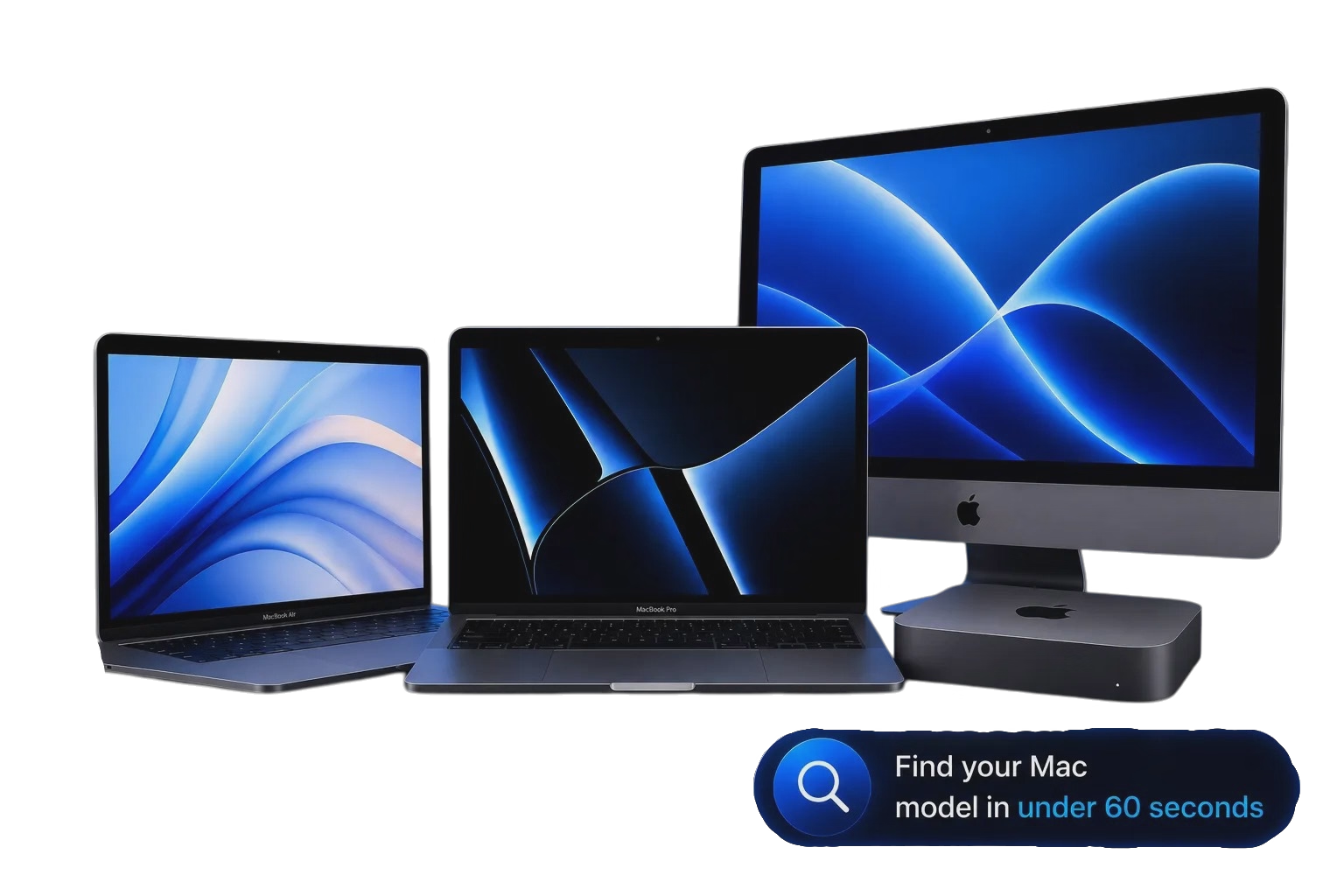
What Type of Mac Do You Have?
Start by choosing the type of Mac you own. Once you’ve identified the family, you can search for your exact model below.
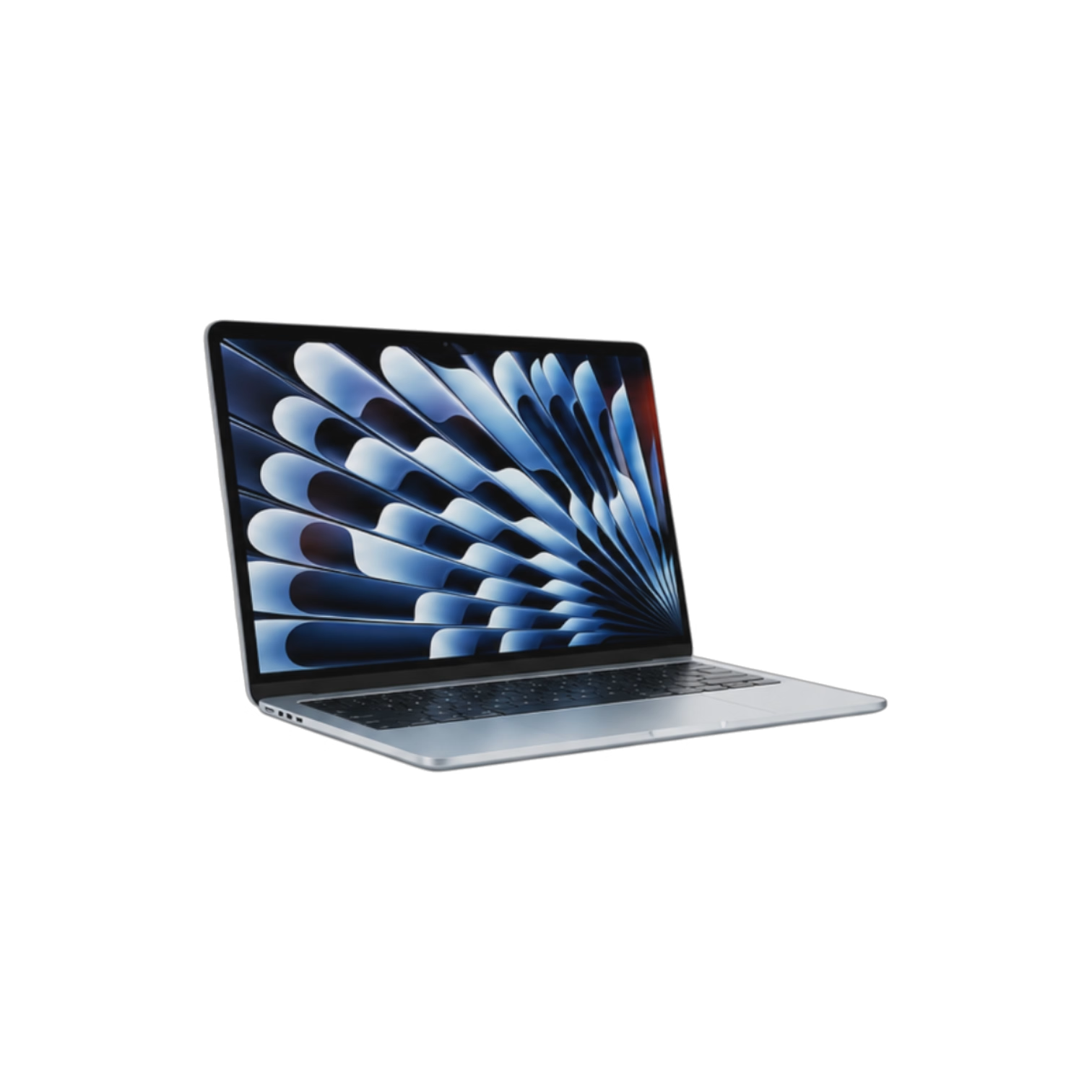
MacBook Air
Thin, lightweight and fanless on newer models. Available in 11″, 13″ and 15″.
- ✓ Ultra portable
- ✓ Intel & Apple Silicon
- ✓ 11″, 13″ & 15″
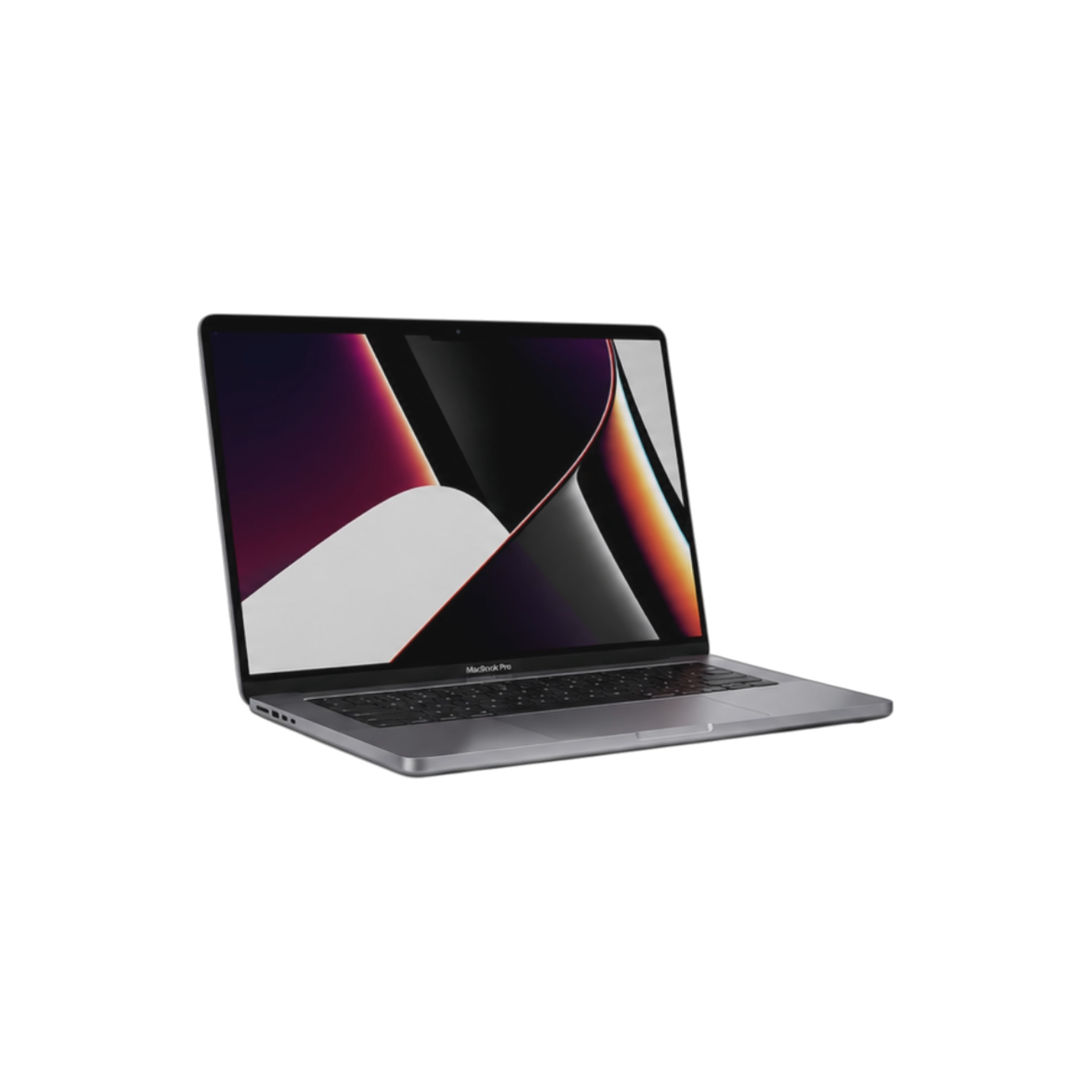
MacBook Pro
Apple’s professional laptop with higher performance and larger displays.
- ✓ Intel & Apple Silicon
- ✓ Touch Bar on some models
- ✓ 13″, 14″, 15″ & 16″

iMac
Apple’s all-in-one desktop computer with everything built into the display.
- ✓ Desktop computer
- ✓ 21.5″, 24″ & 27″
- ✓ Intel & Apple Silicon
Search Your Mac Model
Enter your Mac model number, year, chip, screen size or model name below. For example: A2337, M1, 2020 or MacBook Pro 14.
Other Ways to Identify Your Mac
If you can’t find the model using the search above, try one of these methods.
About This Mac
Click the Apple logo in the top left corner and choose About This Mac. You’ll see your Mac model, year and processor.
Look Underneath
Most MacBooks have their model number printed on the bottom case, beginning with the letter A.
Check the Box
If you still have the original box, the exact model number and serial number are printed on the label.
We’ll Help You Identify Your Mac
If you’re unsure whether you have a MacBook Air, MacBook Pro or iMac, get in touch and we’ll help identify your device before recommending the right repair.