
Not Sure Which Samsung Galaxy You Have?
We’ll help you identify your Samsung Galaxy phone in under a minute so you can choose the correct repair for your device.
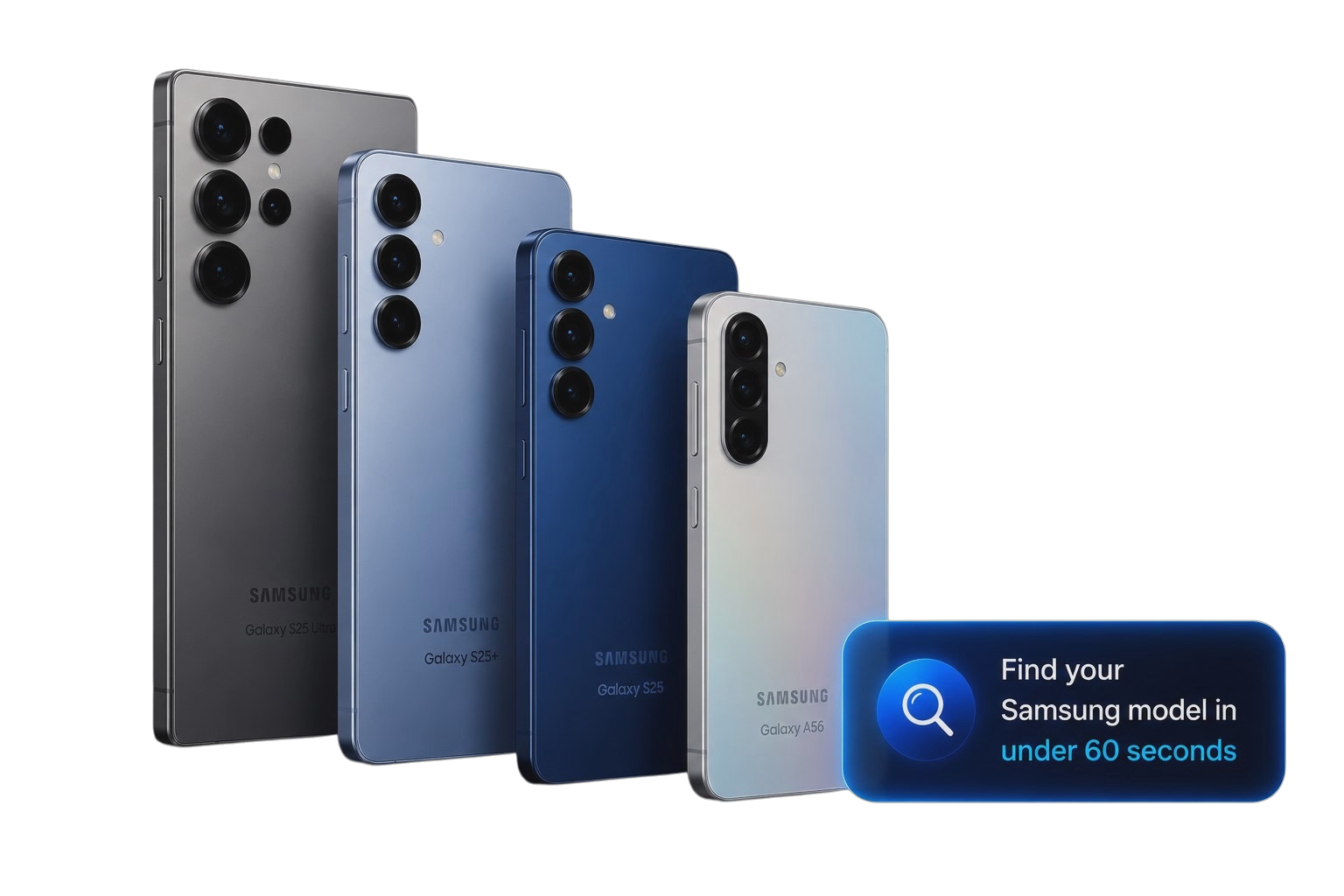
Find Your Samsung Model Number
The easiest way is to check your Samsung settings. Look for the model number beginning with SM-, then enter it below.
1. Check Your Settings
Open Settings → About Phone and look for the Model Number. It will normally begin with SM-.
2. Check the Back of Your Phone
Many Samsung Galaxy phones also have the model number printed in very small text near the bottom of the rear of the device. Look for a code beginning with SM-, such as SM-A125.
3. Search Below
Enter the model number into the search box below and we’ll identify your Samsung Galaxy model instantly.
Which Samsung Galaxy Series Do You Have?
Samsung has produced several Galaxy ranges over the years. Here’s a quick guide to help identify which family your device belongs to.

Galaxy S Series
Samsung’s flagship smartphones with premium cameras, high-performance processors and advanced features.
- ✓ S21 – S25 Series
- ✓ Premium flagship devices
- ✓ Glass & aluminium design

Galaxy A Series
Samsung’s most popular everyday smartphones, offering excellent value and reliability.
- ✓ A10 – A70 Series
- ✓ Great everyday phones
- ✓ Excellent value

Other Samsung Models
Looking for a Galaxy Note, Z Fold, Z Flip or another Samsung device? We repair many other models too.
- ✓ Galaxy Note
- ✓ Z Fold & Z Flip
- ✓ Other Galaxy devices
We’ll Help You Identify Your Samsung
If you’re unsure whether you have a Galaxy S Series, Galaxy A Series or another Samsung model, get in touch and we’ll help identify your device before recommending the right repair.